

Using Apache HTTP Server as a reverse proxy allows it to forward client requests to other servers and deliver the responses back to the clients. This is useful for load balancing, isolating backend services, or hiding server details.
[root@testing ~]# sudo yum install httpd mariadb-server php
[root@testing ~]# cat /etc/httpd/conf.modules.d/00-base.conf | grep LoadModule
For RPM/CentOS-based Systems
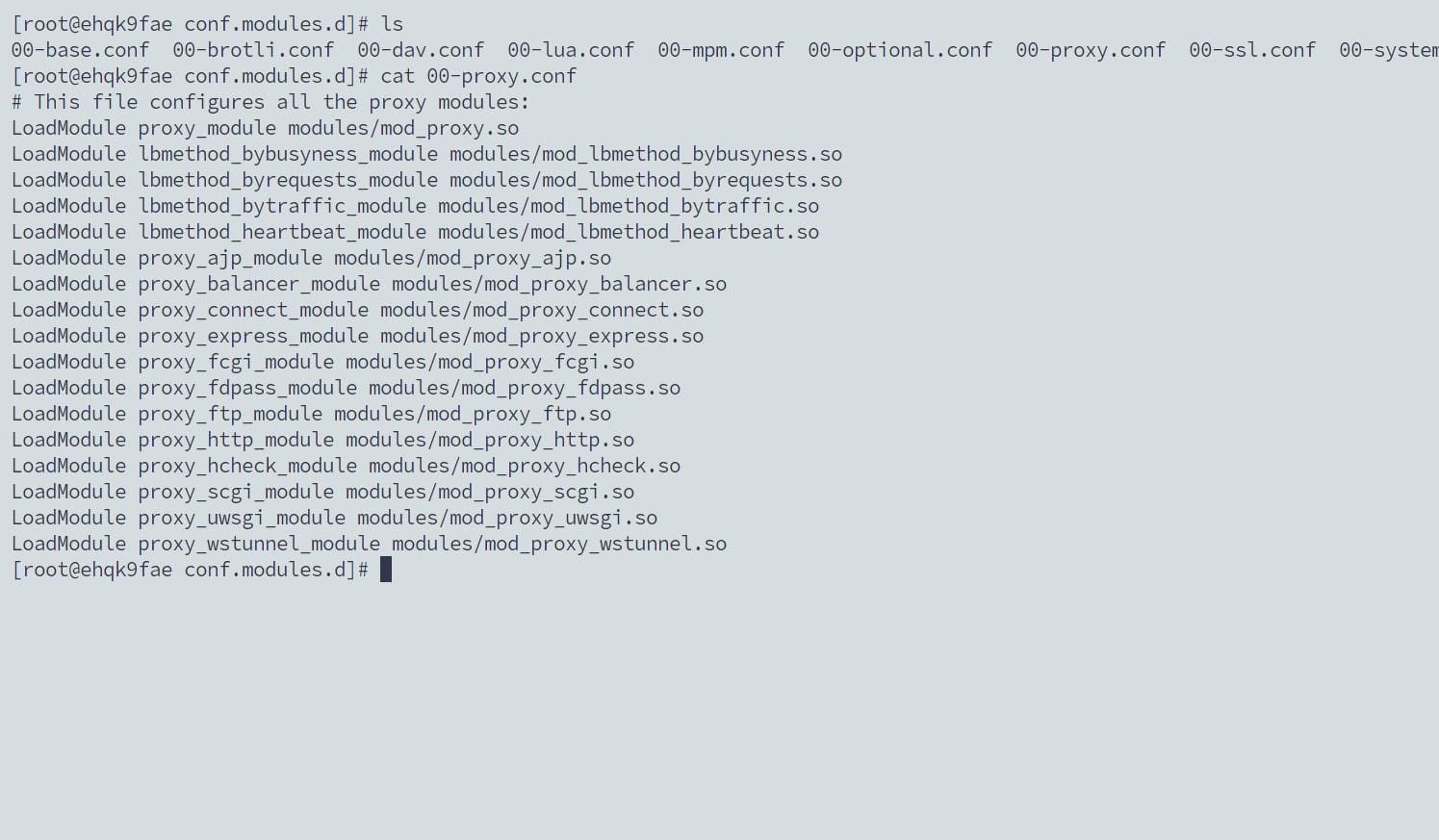
Apache Proxy Modules Check
LoadModule proxy_module modules/mod_proxy.so
LoadModule proxy_http_module modules/mod_proxy_http.so
LoadModule proxy_balancer_module modules/mod_proxy_balancer.so
LoadModule lbmethod_byrequests_module modules/mod_lbmethod_byrequests.so
Create a reverse proxy conf file
[root@testing ~]# sudo nano /etc/httpd/conf.d/reverse-proxy.conf
Copy this content and add it in the above .conf file
Note: In this Port: 8080 is where the custom application is running
<VirtualHost *:80>
    ServerName application.domain.com
    ProxyPreserveHost On
    ProxyPass / http://127.0.0.1:8080/
    ProxyPassReverse / http://127.0.0.1:8080/
    ErrorLog /var/log/httpd/application_http_error.log
    CustomLog /var/log/httpd/application_http_access.log combined
</VirtualHost>

# HTTPS (Port 443) Configuration
<VirtualHost *:443>
    ServerName application.domain.com
    SSLEngine on
    SSLCertificateFile /etc/ssl/application/ssl.crt
    SSLCertificateKeyFile /etc/ssl/application/private.key
    ProxyPreserveHost On
    ProxyPass / http://127.0.0.1:8080/
    ProxyPassReverse / http://127.0.0.1:8080/
    ErrorLog /var/log/httpd/application_https_error.log
    CustomLog /var/log/httpd/application_https_access.log combined
</VirtualHost>
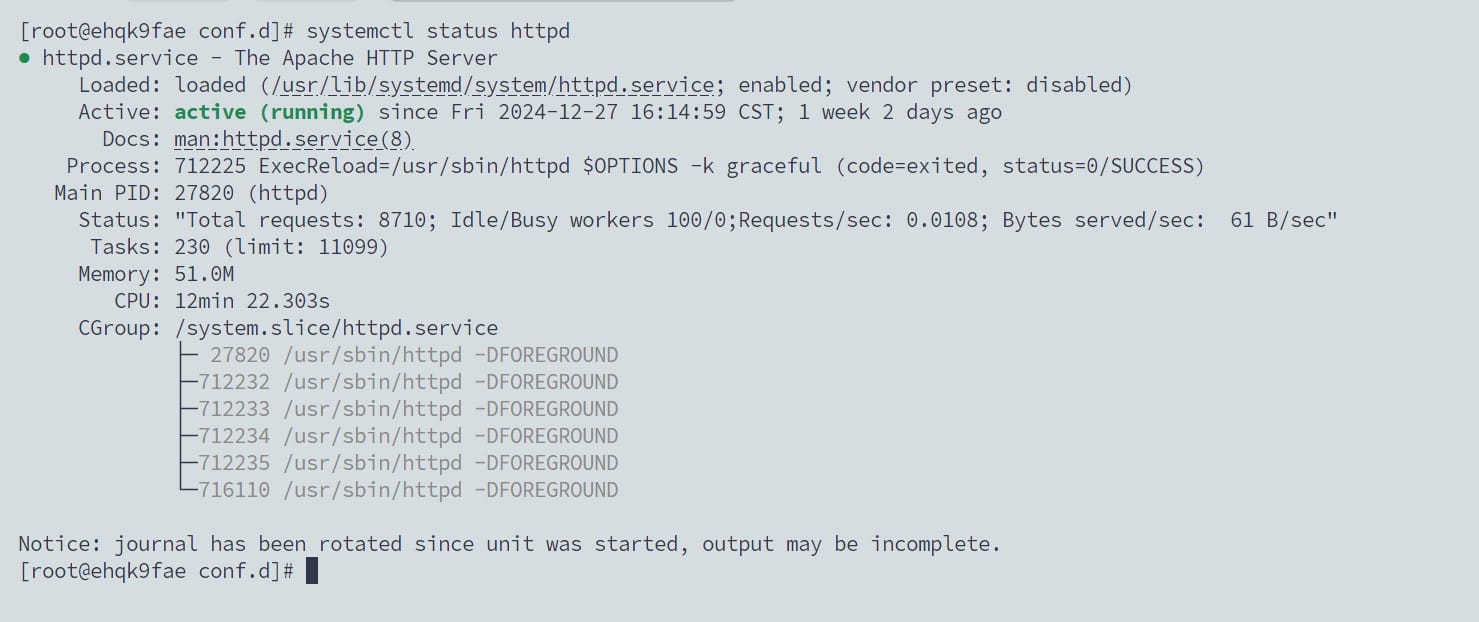
Restart the Apache HTTPD after saving the conf file
[root@testing ~]# sudo systemctl restart httpd
For Debian/Ubuntu-based Systems
[root@testing ~]# sudo apt install apache2
[root@testing ~]# sudo a2enmod proxy && sudo a2enmod proxy_http && sudo a2enmod proxy_balancer && sudo a2enmod lbmethod_byrequests && sudo systemctl restart apache2
[root@testing ~]# sudo nano /etc/apache2/sites-available/reverse-proxy.conf
[root@testing ~]# sudo a2ensite reverse-proxy.conf
[root@testing ~]# sudo systemctl reload apache2

Member discussion: